HIPAA 2026: CNA Smartphone, Photos, and Privacy Rules

June 12, 2026 · 8 min read
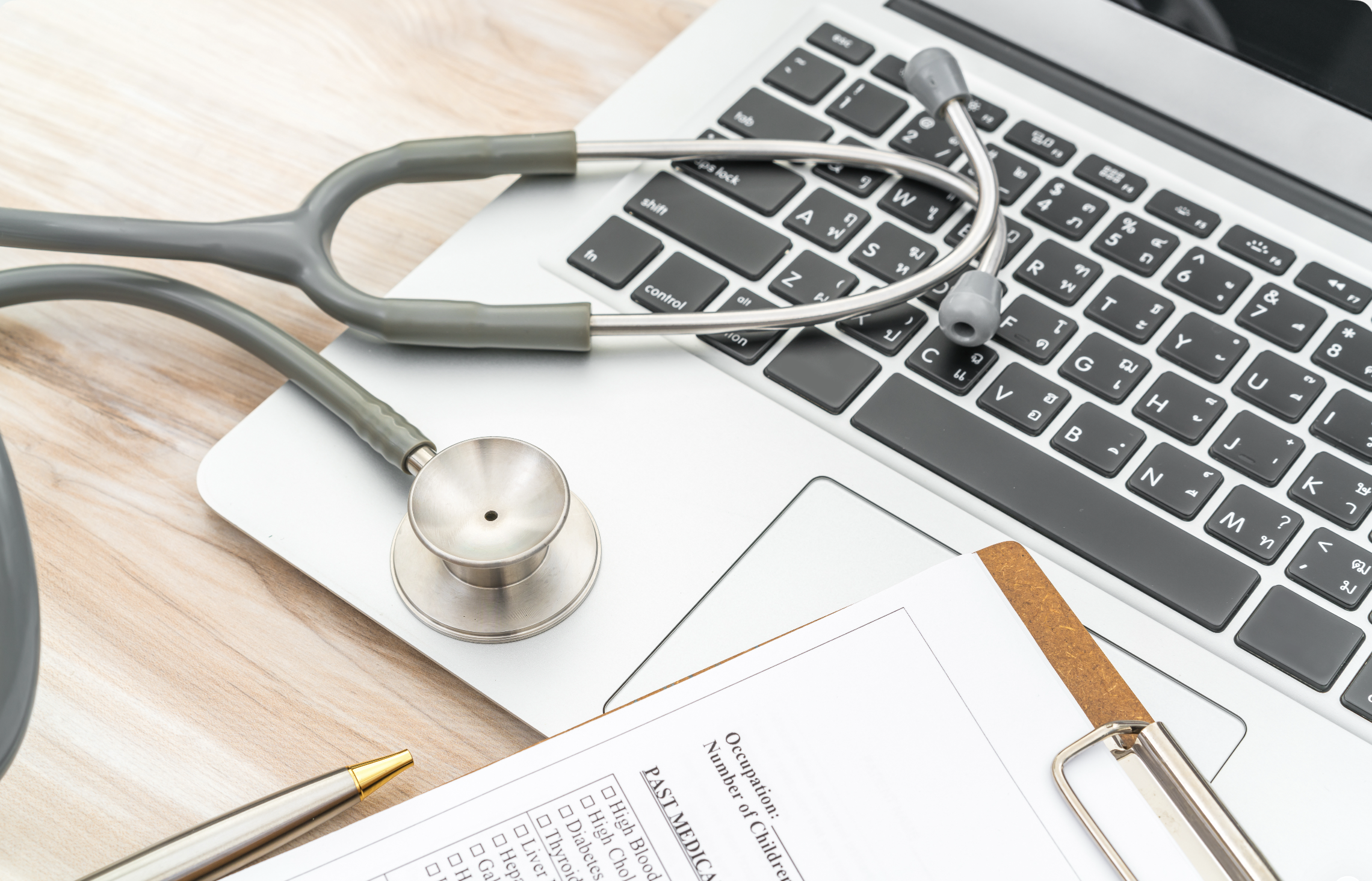
Smartphones are everywhere in healthcare—used for schedules, training, and communication. But updated HIPAA expectations in 2026 put a brighter spotlight on photos, videos, screenshots, and “incidental” patient information that can end up in the background. For CNAs, this isn’t just “admin stuff.” It’s a day-to-day workflow issue that can affect your employment, your certification standing, and your facility’s compliance risk.
This guide breaks down practical, CNA-friendly rules of thumb, common real-world scenarios, and what to do when you’re unsure.
Why HIPAA 2026 hits CNAs differently
CNAs are often closest to residents during the most private moments—bathing, toileting, dressing changes, feeding, and mobility assistance. That means even “harmless” phone use can accidentally capture or expose protected health information (PHI).
Phones increase the risk of accidental PHI exposure (background whiteboards, wristbands, door charts, call-light screens, faces/voices).
Facilities are moving toward digital compliance, so audits and investigations often rely on electronic logs, messages, and camera records.
Documentation expectations are rising: if something goes wrong, the question becomes “What was documented, who accessed it, and how was it shared?”
What counts as PHI in everyday CNA work (quick examples)
PHI is broader than many people think. It’s not only a diagnosis. It can be anything that identifies a patient/resident and relates to their care.
Common PHI CNAs accidentally expose
A resident’s face in a photo or video (even if you didn’t mean to capture it).
Name bands, room numbers tied to a name, or door signs visible in the background.
A whiteboard showing names, diets, fall risk notes, or isolation status.
A screenshot of a schedule, assignment sheet, or EHR view that includes identifiers.
Voice recordings where a name, diagnosis, or room number is said out loud.
The safest rule: don’t photograph or record in patient care areas
Many facilities already prohibit personal phone use on the floor. Under stricter privacy expectations, the safest CNA practice is simple:
No photos or videos in resident rooms, hallways, nurses’ stations, med rooms, or anywhere PHI could appear.
No “quick snapshots” of wounds, supplies, equipment setups, or “proof” you did a task—unless your facility’s policy explicitly permits it and provides an approved device/app.
No social media posting from inside the facility, even if you think no one is identifiable.
If you’re training or preparing to enter the field, CI Institute of Nursing emphasizes professionalism and patient privacy as core employability skills. You can learn more about the school at https://ciinstituteofnursing.com.
“Incidental capture” is the hidden risk (and it’s common)
“Incidental capture” means a patient/resident or their information appears in the background even though that wasn’t your intention.
Realistic incidental capture scenarios
You take a selfie near a timeclock—behind you is a hallway with residents and door charts.
You film a “shift OOTD” video—behind you is a whiteboard with names or a call-light screen.
You record a quick training clip on a bed-making technique—resident’s face is visible for a second.
Intent doesn’t erase exposure. If a face, name, or identifiable care detail is captured, it can become a HIPAA issue.
What to do when someone asks you to “just take a quick photo”
CNAs sometimes get pressured—by families, coworkers, or even well-meaning staff—to take pictures. Use a calm, consistent script.
Respectful scripts you can use
To a family member: “I’m not allowed to take photos or videos on my personal phone because of privacy rules. If you’d like, I can help you ask the nurse or charge nurse what the facility allows.”
To a coworker: “I can’t take pictures in care areas on my phone. If we need an image for care or documentation, we should use the approved process/device.”
To anyone insisting: “I could risk my job and the resident’s privacy. Let’s do this the right way through the facility policy.”
Allowed vs. not allowed: practical CNA examples
Policies vary by facility, but these examples reflect a safety-first approach CNAs can use anywhere.
Generally safer (still follow policy)
Using your phone only in designated break areas where no residents/PHI are present.
Checking your schedule via an approved system (without photographing or sharing it).
Studying CNA skills content off-site (home, school lab) and keeping patient areas phone-free.
High risk and usually prohibited
Taking photos of a resident’s skin issue “to show the nurse.”
Recording audio to “remember details for report.”
Texting a resident’s name/room number to a coworker from your personal phone.
Posting anything about a shift online, even without names (details can still identify someone).
How to protect yourself: a 60-second “end of shift” privacy check
Build this into your routine, especially if you use your phone during breaks.
Photo roll scan: Confirm you did not accidentally take pictures in the facility.
Delete risky images immediately (and notify your supervisor per policy if PHI was captured).
Check recent messages: Don’t include resident identifiers in personal texts.
Turn off auto-backup for photos if your facility recommends it (policy-dependent).
When unsure, report early: self-reporting quickly is usually better than waiting.
Documentation and digital privacy: “If it isn’t documented, it didn’t happen” (but do it correctly)
Many facilities are under heavier compliance pressure, and documentation is often treated as proof of care. As a CNA, you protect residents and yourself by documenting accurately and staying within your scope.
Best practices CNAs can apply immediately
Chart only what you did and what you observed (facts, not guesses).
Avoid copying and pasting or reusing old notes if your system allows free text—keep it truthful and shift-specific.
Use facility-approved systems only for any care communication or documentation.
Report changes promptly (new confusion, shortness of breath, skin breakdown, falls, refusal of care) and document per policy.
If you’re considering formal training or want to strengthen your fundamentals, you can review program details at https://ciinstituteofnursing.com/academics/catalog and common student questions at https://ciinstituteofnursing.com/faqs.
How to spot “privacy weak points” on your unit
CNAs can reduce risk by noticing the spots where PHI tends to show up.
Nurses’ station: assignment sheets, open charts, computer screens.
Hallways: door signage, resident transport, visitors filming.
Rooms: face sheets, armbands, medication lists, family boards.
Common areas: group activities where someone might record a video.
Small actions that make a big difference
Angle computer monitors away from public view when possible.
Close curtains/doors appropriately during care.
Politely redirect visitors who are recording in shared spaces: “For everyone’s privacy, recording isn’t allowed here.”
Keep your phone put away during care, even if you’re “just checking the time.”
What facilities look for now: “compliance-savvy” CNAs
With increased oversight and digital audit trails, employers value CNAs who take privacy seriously and follow the chain of command.
Resume-friendly skills that are real (and hireable)
HIPAA-aware communication and privacy practices
Accurate, timely documentation within CNA scope
Professional boundaries with residents, families, and coworkers
Comfort with digital workflows (EHR basics, secure communication tools as assigned)
If you’re mapping your next step, explore career paths and hiring insights at https://ciinstituteofnursing.com/careers. If you need class timing options that fit work and family life, see https://ciinstituteofnursing.com/academics/class-schedule.
FAQ: HIPAA 2026 smartphone and privacy questions CNAs ask
Can a CNA take a photo of a resident’s skin issue to show the nurse?
Usually, no—at least not on a personal device. Even if your intention is clinical, a photo can contain PHI and create a privacy breach if it’s stored or backed up. Follow your facility’s policy and use only approved equipment/workflows if imaging is permitted.
What if a resident or family asks me to take a picture?
Don’t use your personal phone in patient care areas. Redirect them to the nurse/charge nurse or your supervisor so they can follow facility rules and consent requirements.
Is it a HIPAA violation if a patient is in the background of my photo but I didn’t mean it?
It can be. “Incidental capture” is a common way privacy breaches occur. If an identifiable person or their information appears, treat it seriously and report it according to your facility policy.
Can I text another CNA about a resident assignment?
Not with resident identifiers on a personal phone. Names, room numbers tied to names, diagnoses, and care details can all be PHI. Use approved communication tools and follow your facility’s reporting chain.
What should I do if I accidentally took a photo that includes PHI?
Stop sharing it, do not post it, and notify your supervisor immediately per policy. Prompt reporting helps the facility reduce harm and follow required compliance steps.
How can I learn these rules before I start working?
Choose a training program that emphasizes professionalism, privacy, and real-world expectations—not only skills checkoffs. To learn about CI Institute of Nursing’s mission and training approach, visit https://ciinstituteofnursing.com/about-us. When you’re ready to talk to an admissions team member, use https://ciinstituteofnursing.com/inquire-now.
Key takeaway
HIPAA 2026 expectations make smartphone discipline a core CNA skill. Keep phones out of care areas, avoid photos/videos entirely unless your facility provides an approved process, and treat “incidental capture” as a real risk—not a harmless mistake.
If you’re ready to start training soon, you can also check upcoming start dates at https://ciinstituteofnursing.com/academics/class-calendar.

Administrator
CI Institute of Nursing offers a comprehensive Certified Nursing Assistant training program in Campbell, CA — preparing students for rewarding careers in healthcare.


